Old Photo Restoration Online Free with AI

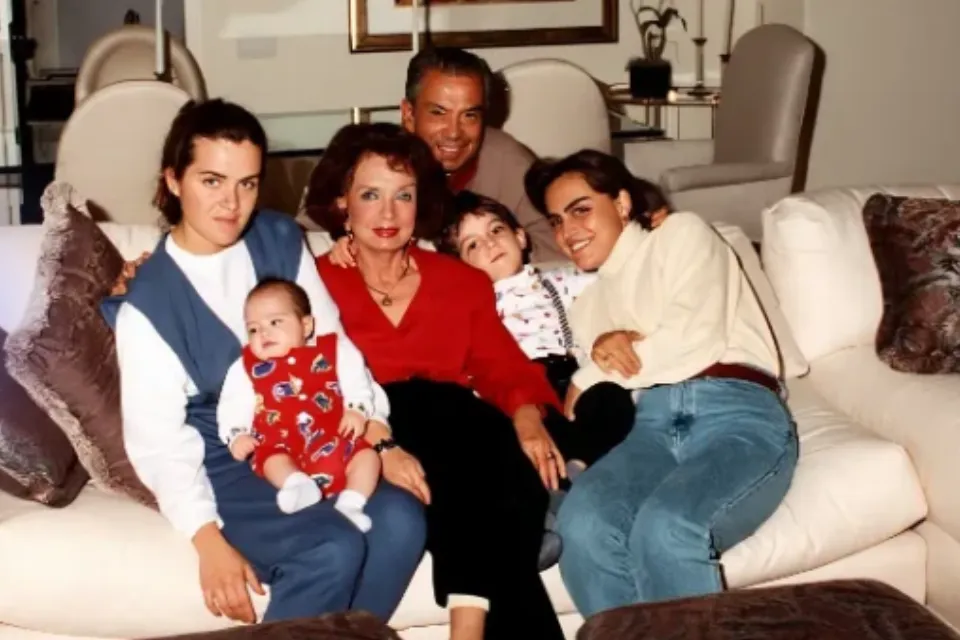
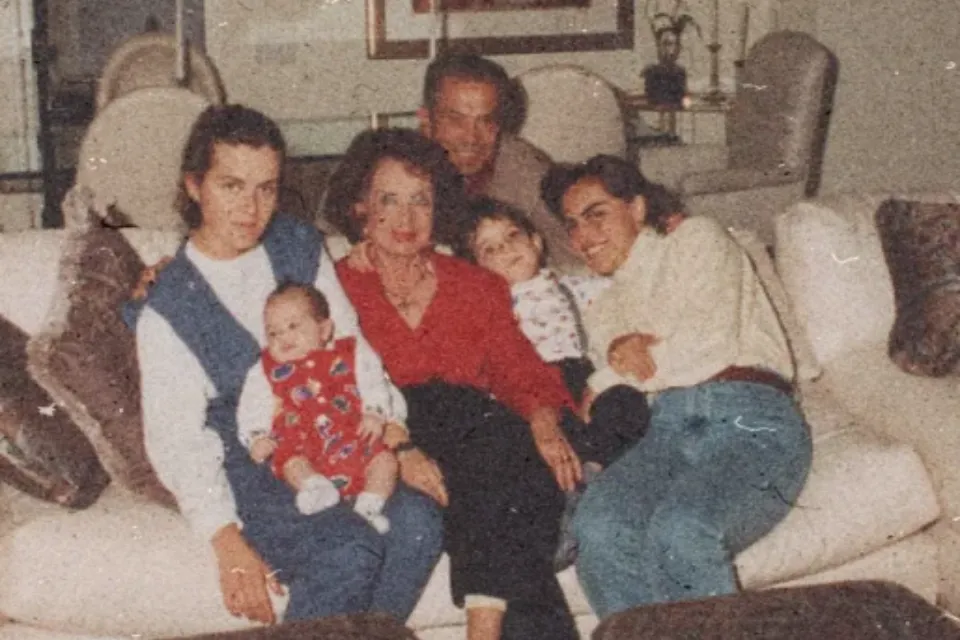
Restore old photos online for free with AI. Repair scratches and cracks, fix fading and discoloration, and recover blurry faces and details, bringing damaged family photos back to life in seconds.

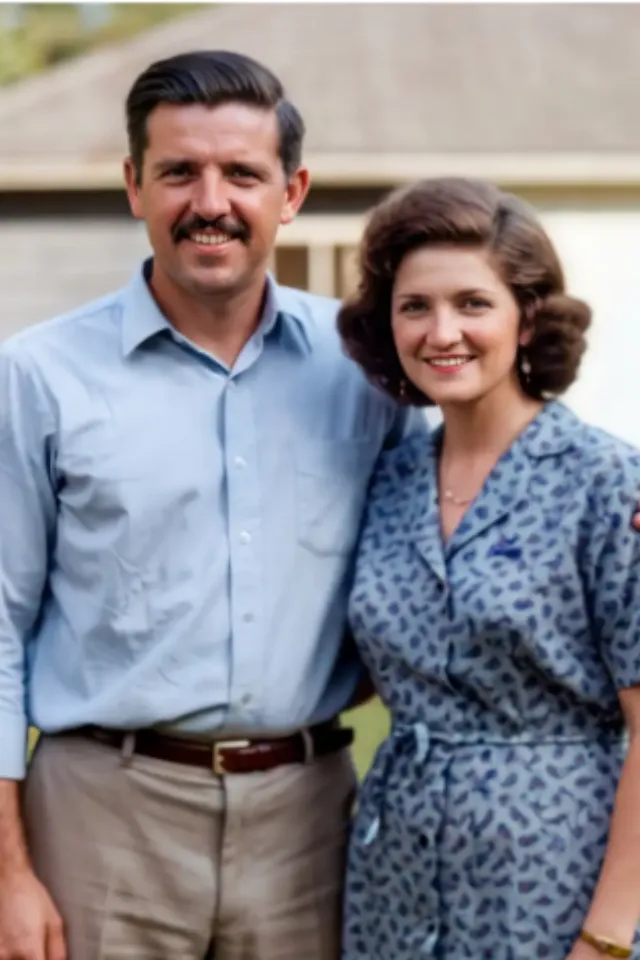
Old Photo Restoration Online Free with AI - after
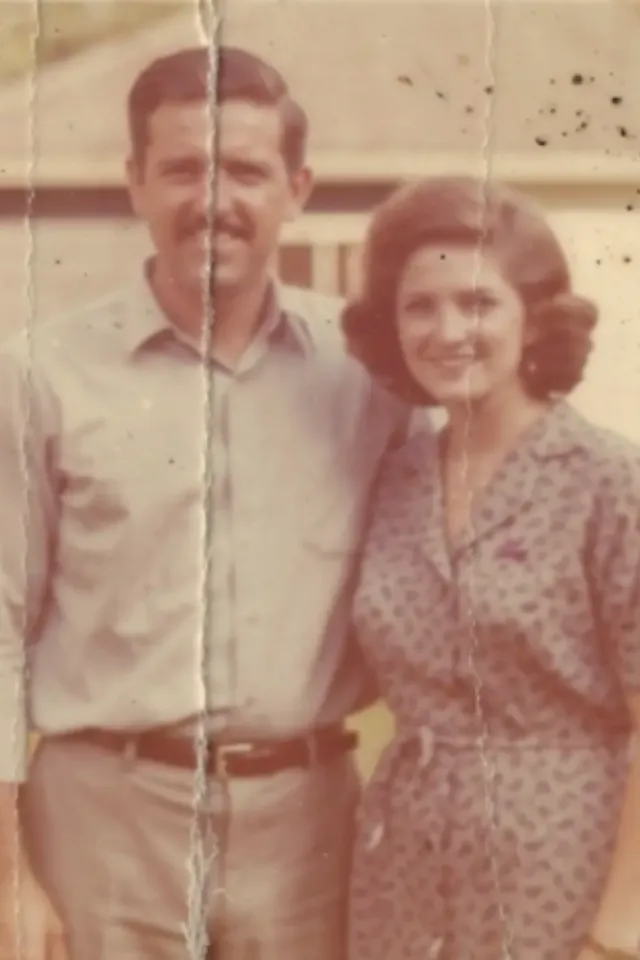
Old Photo Restoration Online Free with AI - before
BeforeAfter

Trusted by teams at

What Our AI Old Photo Restoration Tool Can Do

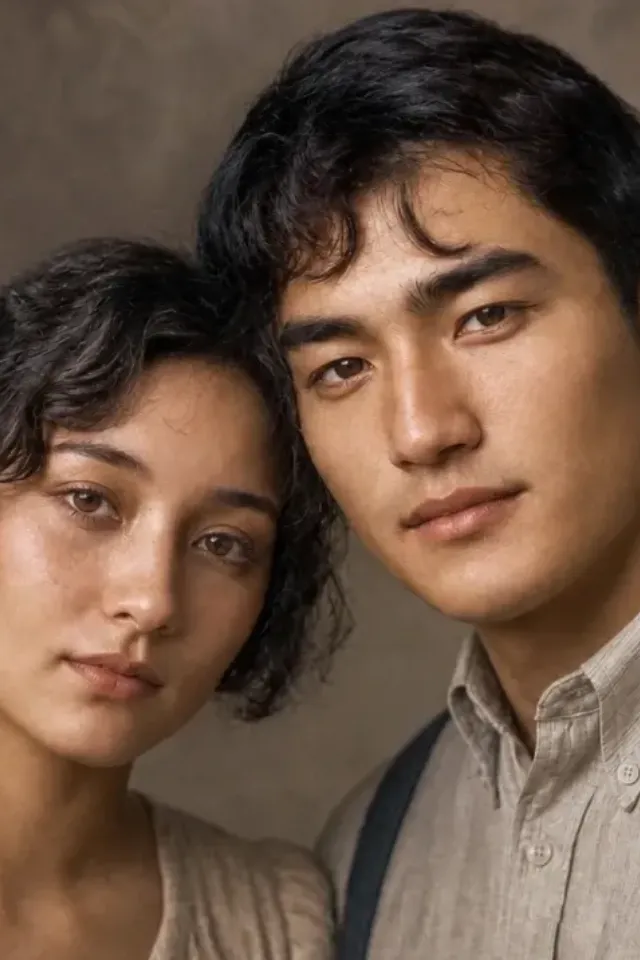
Repair Scratches, Cracks, and Damage- after
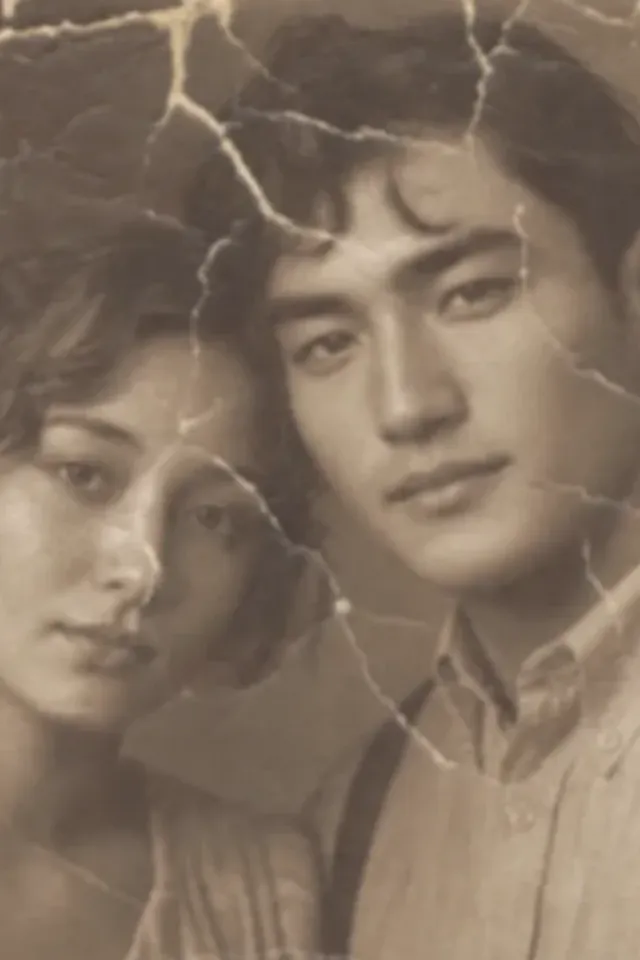
Repair Scratches, Cracks, and Damage - before
BeforeAfter

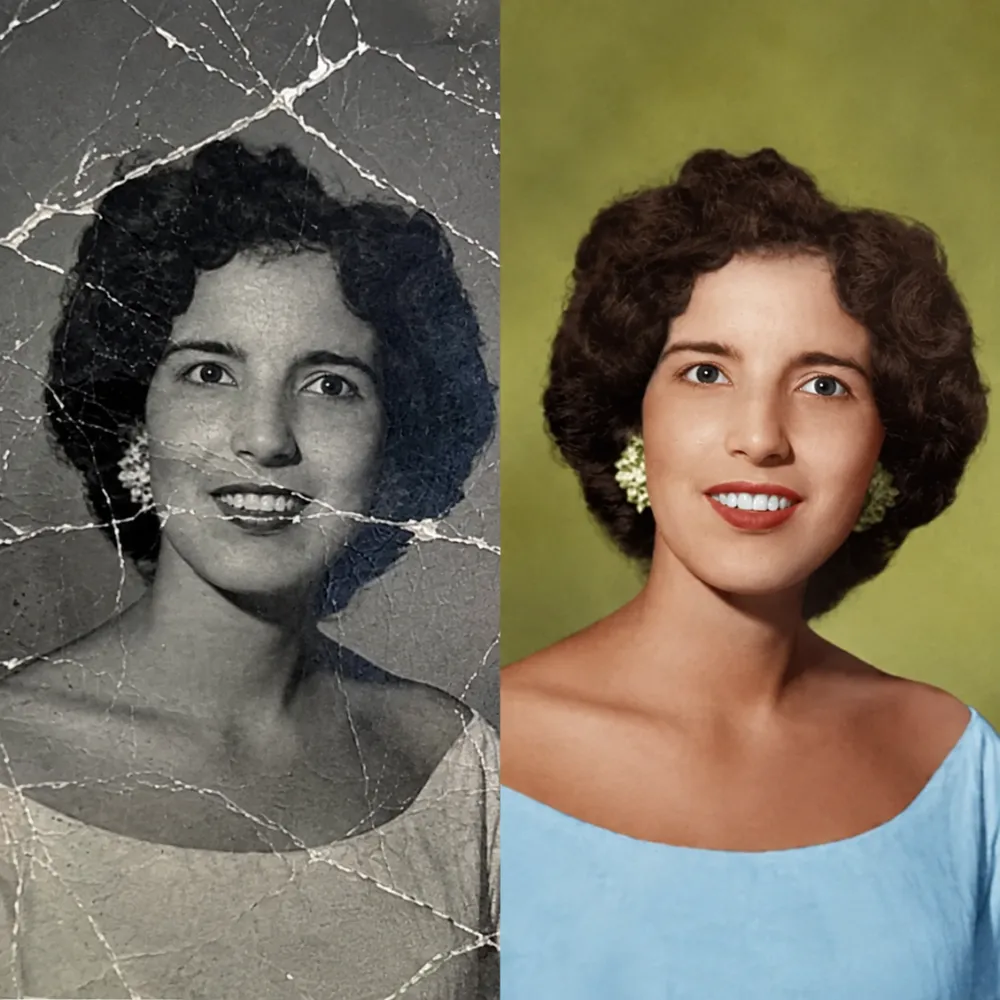
Repair Scratches, Cracks, and Damage

Old prints collect scratches, cracks, stains, dust, and fold lines over the decades. Our AI old photo restoration tool detects damaged areas and repairs them automatically, rebuilding a cleaner, more complete image while keeping the original scene recognizable.

Restore Faded Colors and Contrast - after
Restore Faded Colors and Contrast - before
BeforeAfter

Restore Faded Colors and Contrast

Time turns photos into pale, yellowed, washed-out copies of themselves. Restore old photos with AI that corrects fading, rebalances contrast, and brings back natural tones, so vintage portraits and family prints look closer to the day they were taken.

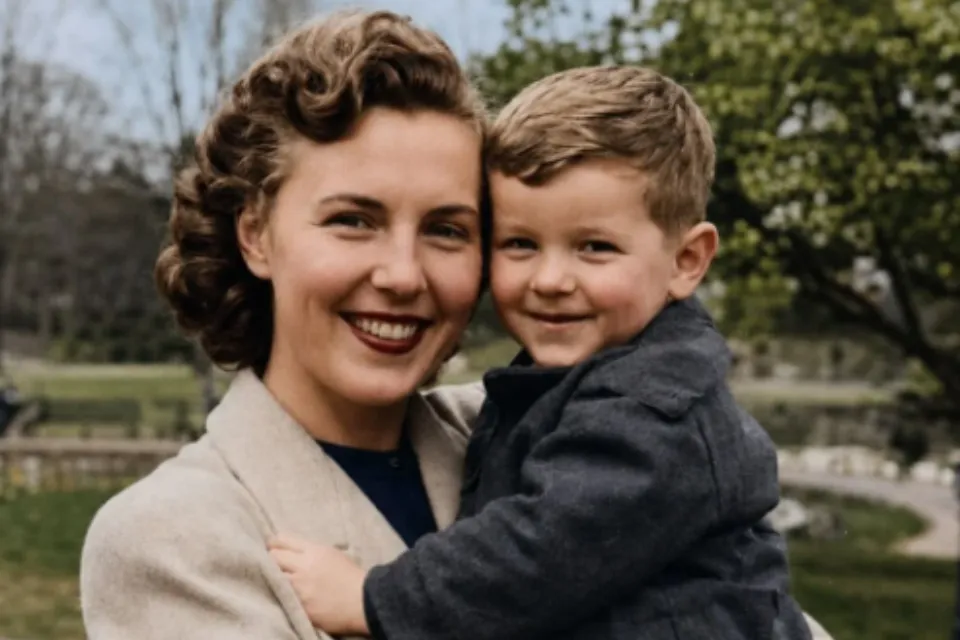
Recover Clear Faces and Details - after
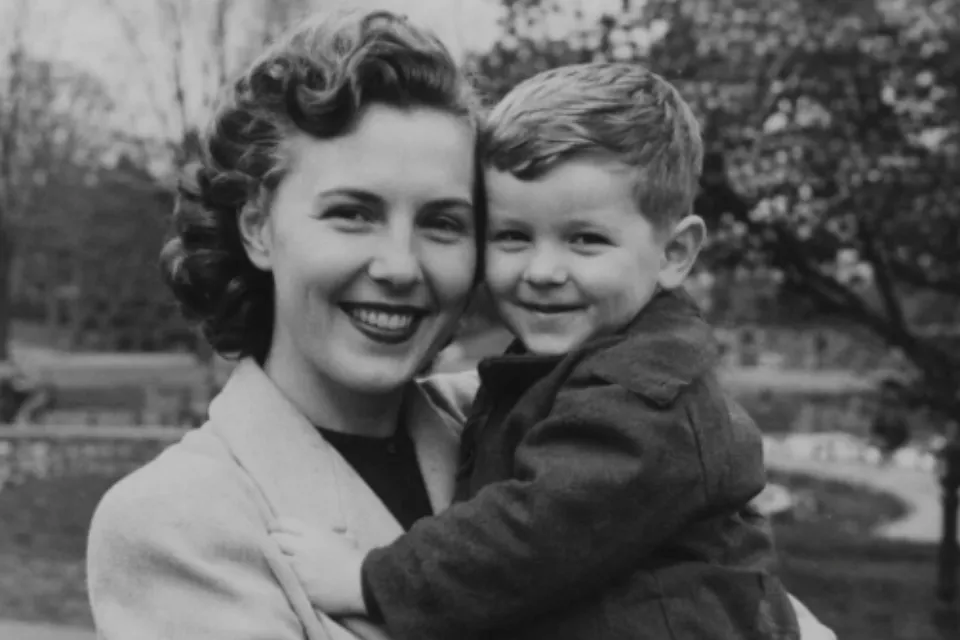
Recover Clear Faces and Details - before
BeforeAfter

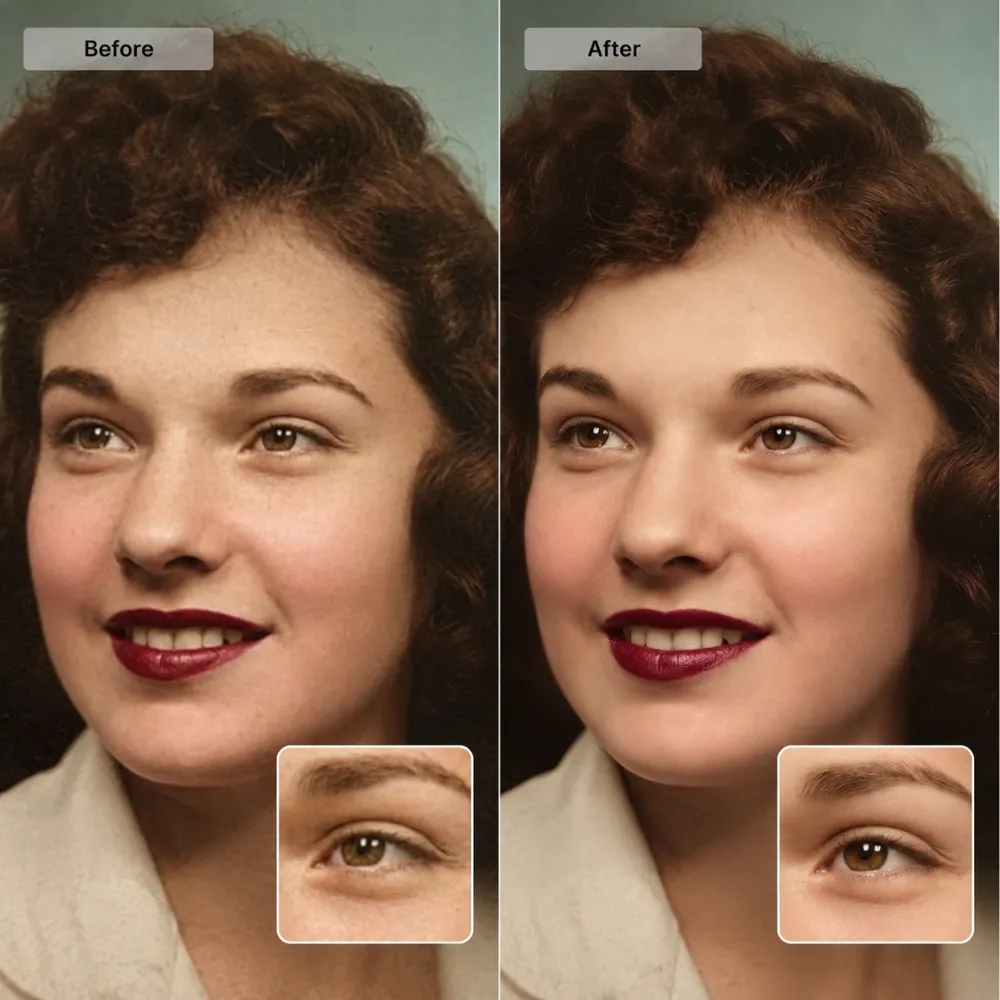
Recover Clear Faces and Details

Faces are what make an old photo matter. Our AI photo restorer sharpens blurry facial features and recovers eyes, expressions, and small details in family portraits, group shots, and ancestry pictures, making it easier to restore old photos and recognize the people in your memories.

Enhance Old Scanned Photos - after
Enhance Old Scanned Photos - before
BeforeAfter

Enhance Old Scanned Photos

Scanned prints often look soft, noisy, or uneven. Upload a scan and use old photo restoration online to improve clarity, reduce noise, and lift overall quality, turning low-quality digital copies of old photos into cleaner images ready for albums, sharing, or printing.

Why Choose Photo Upscaler AI for Old Photo Restoration Online Free

Free Old Photo Restoration Right in Your Browser

Restore old photos online free with no software to install and no complicated setup. Open the page, upload a photo, and let our AI old photo restoration tool handle scratches, fading, blur, and other damage directly in your browser on any device.

See Old Photo Restoration Results in Seconds

Most old photos are restored in under 10 seconds. Our AI processes damage, fading, and blur in one pass, so you can restore old photos online and preview a clearer version of your memory almost immediately after uploading.

No Editing Skills Required

There is nothing to learn and no layers to manage. Our old photo restoration tool works automatically from a single upload, making it easy to restore old photos with AI without professional editing skills.

Natural Results That Keep the Memory Intact

A restored photo should still feel like the same photo. Our AI photo restoration technology improves clarity and repairs damage without over-smoothing skin or redrawing faces, so the people and places in your pictures stay true to the original.

Works with Any Old Photo Type

Use our old photo restoration online tool on faded color prints, black-and-white portraits, scanned albums, vintage Polaroids, and damaged group shots. The same AI workflow handles aging marks, blur, scratches, and low-quality scans alike.

Privacy You Can Trust

Your family photos are processed through a secure workflow and are not shared with third parties. Restore old photos online free with confidence, knowing your personal memories are handled through a protected restoration process.
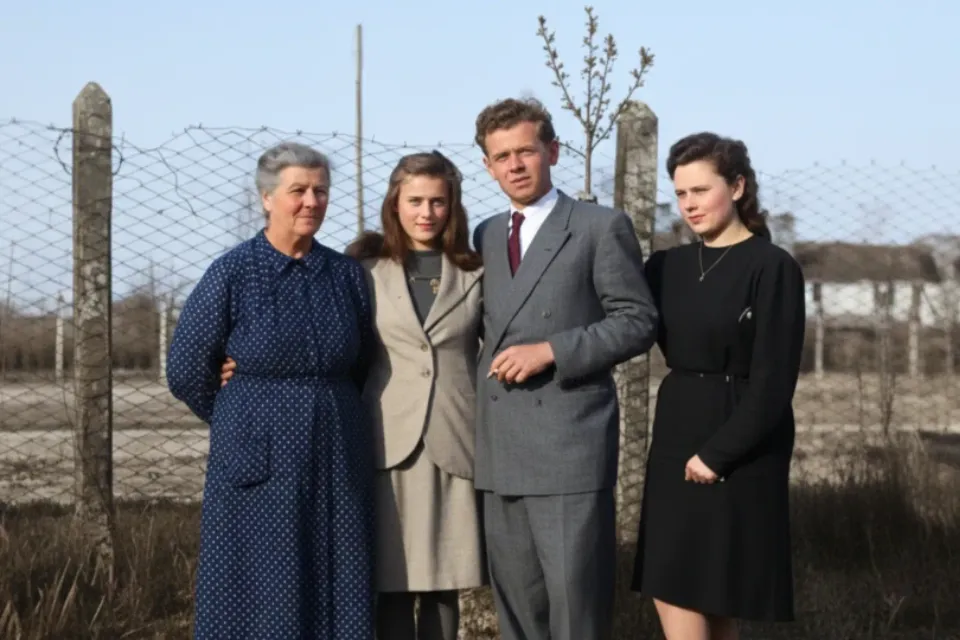
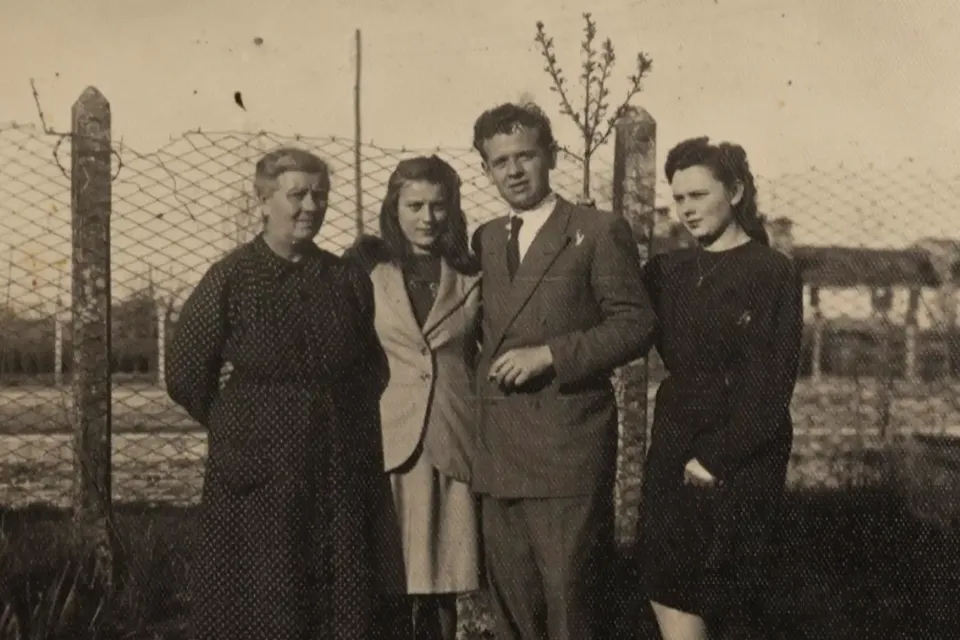
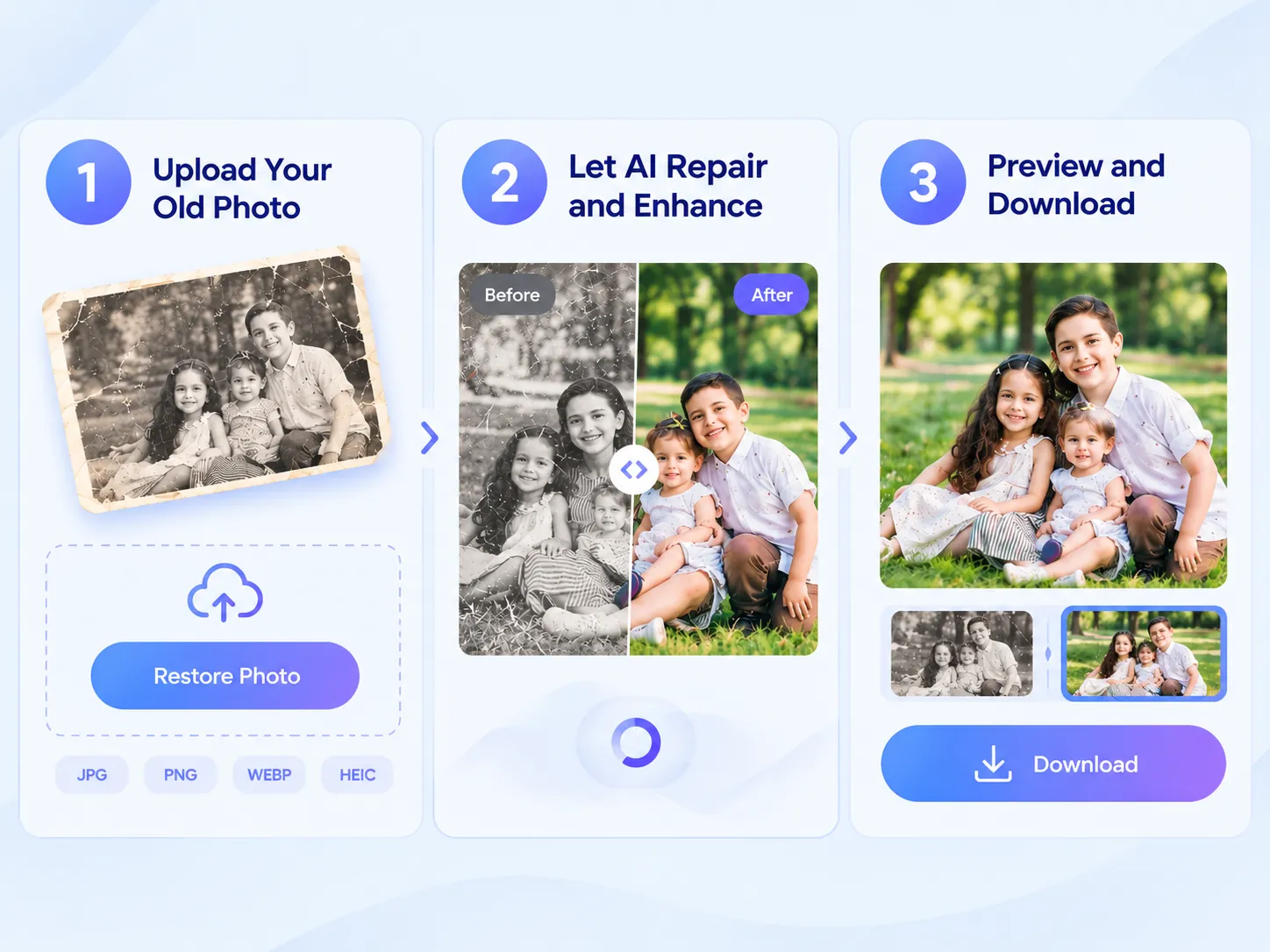
How to Restore Old Photos with AI

Restore Old Photos with AI
1

Upload Your Old Photo

Click “Restore Photo” and upload a JPG, PNG, WEBP, or HEIC file, or drag and drop it directly onto the page. For the best old photo restoration results, use the highest-quality scan or original digital copy you have.

2

Let AI Repair and Enhance

Our AI old photo restoration tool automatically analyzes the photo, repairs scratches and stains, corrects fading, and recovers blurred details, improving the image in seconds without manual editing.

3

Preview and Download the Restored Photo

Compare the before and after, check faces and details, then download your restored photo in high quality. You can restore old photos online and prepare them for family albums, gifts, printing, or long-term digital archiving.

Bring Old Photos Back to Life with AI Photo Restoration

Repair • Enhance • Preserve

Restore Old Photos Without Losing Their Character

Scratches, tears, stains, and fading often appear together in aging prints. Photo Upscaler AI uses AI photo restoration to handle these common problems in one simple online workflow, helping you restore old photos while cleaning visible damage and recovering lost detail. From century-old portraits to recently damaged snapshots, old photo restoration preserves the original mood and character without making the image look artificially redrawn.

Restore Old Photos Without Losing Their Character
Family • Albums • Keepsakes

Preserve Family Memories with Old Photo Restoration

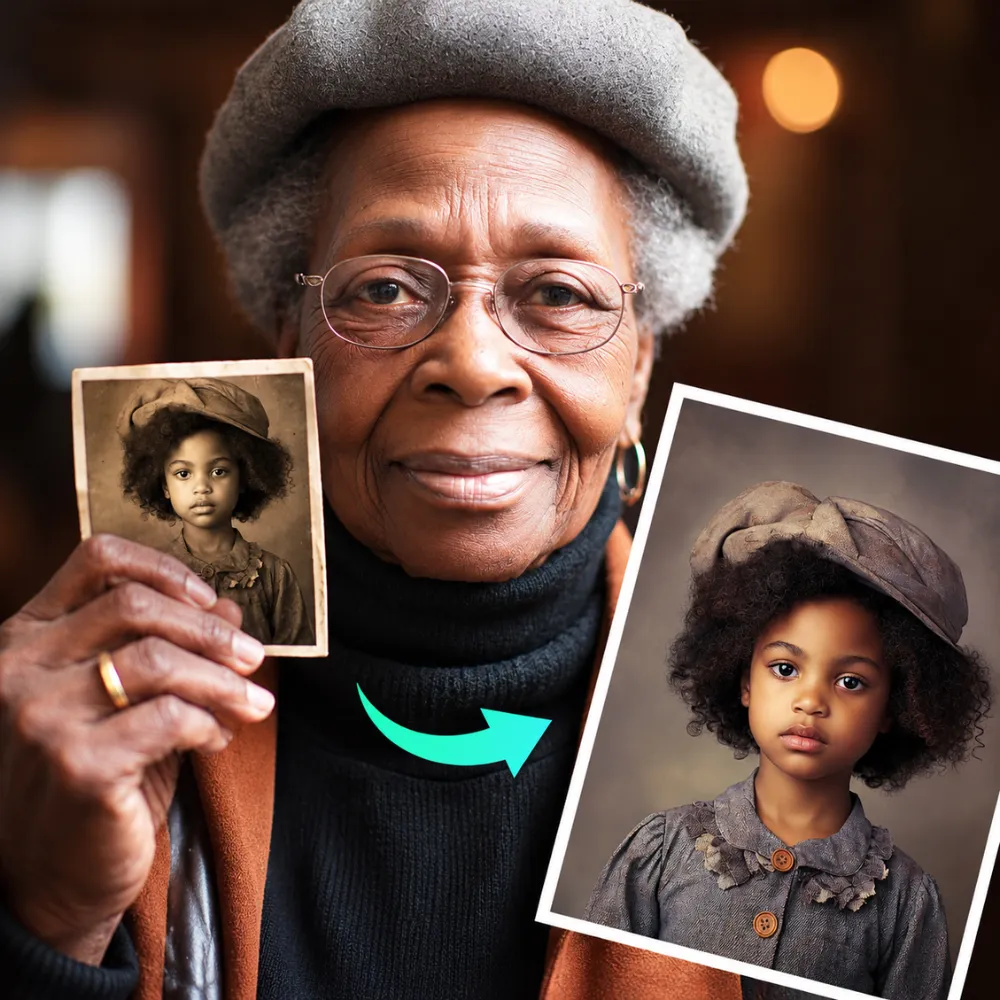
Some old photos are the only copy you have of a person, place, or moment. Old photo restoration can turn fragile, aging prints into cleaner digital copies before more detail disappears. Use AI old photo restoration for family albums, memorial displays, anniversary gifts, genealogy projects, or framed keepsakes, helping preserve meaningful memories and the stories behind each picture for the next generation.

Preserve Family Memories with Old Photo Restoration
Print • Share • Archive

Prepare Restored Photos for Printing and Sharing

A restored photo deserves to be seen. After you restore old photos with AI, improved clarity and repaired damage can make them suitable for sharp reprints, framed displays, slideshows, and social media posts. With old photo restoration online, you can create cleaner digital archives that are easier to browse and share, allowing future generations to explore family history without relying on faded, damaged prints.

Prepare Restored Photos for Printing and Sharing

Real Results from Our AI Old Photo Restoration Tool

Family Archivist

Family Archivist

I restored my grandparents' faded wedding photo with AI photo restoration. The scratches disappeared and the faces became clear, but it still felt like the same picture from our album. It was an easy way to restore old photos while keeping the original character and memories intact.

Daniel R.

Daniel R.

Genealogy Researcher

I ran dozens of scanned family photos through this old photo restoration tool for an ancestry project. Fading and dust marks cleaned up well enough to identify relatives I had never been able to name. Being able to restore old photos online made the process much faster than manual editing.

Sophia L.

Sophia L.

Scrapbook Creator

I needed vintage photos for a printed family book, so I used AI old photo restoration to clean them up. The restored versions looked natural, not over-processed, and printed beautifully. It was a simple way to restore old photos with AI before adding them to my scrapbook.

James W.

James W.

Content Creator

Old historical images I used in a video project came out cleaner in seconds with this AI photo restoration tool. It repaired visible damage and improved clarity without making the images look unnatural. Old photo restoration online saved me hours of manual retouching work.

Elena K.

Elena K.

Teacher

My students brought in old family photos for a local history project. I used old photo restoration online to improve faded images and make important details easier to see. The restored photos were clear enough to project on a classroom screen while still keeping the look of the original pictures.

Lucas T.

Lucas T.

Freelancer

Simple and fast. I uploaded a photo, waited a few seconds, and used AI photo restoration to get a cleaner image that looked ready to frame. I didn't need any editing skills, and the process made it easy to restore old photos online without complicated software.

Old Photo Restoration - Frequently Asked Questions

What Is AI Old Photo Restoration?

How to Restore Old Photos Online Free?

Can AI Repair Scratched or Torn Photos?

Can I Restore Faded or Black-and-White Photos?

How Long Does It Take to Restore an Old Photo?

What Image Formats Are Supported?

Is It Safe to Upload My Family Photos?

Restore Old Photos Online Free with AI

Restore old photos with AI photo restoration. Repair scratches, recover details, and preserve your favorite memories in seconds.