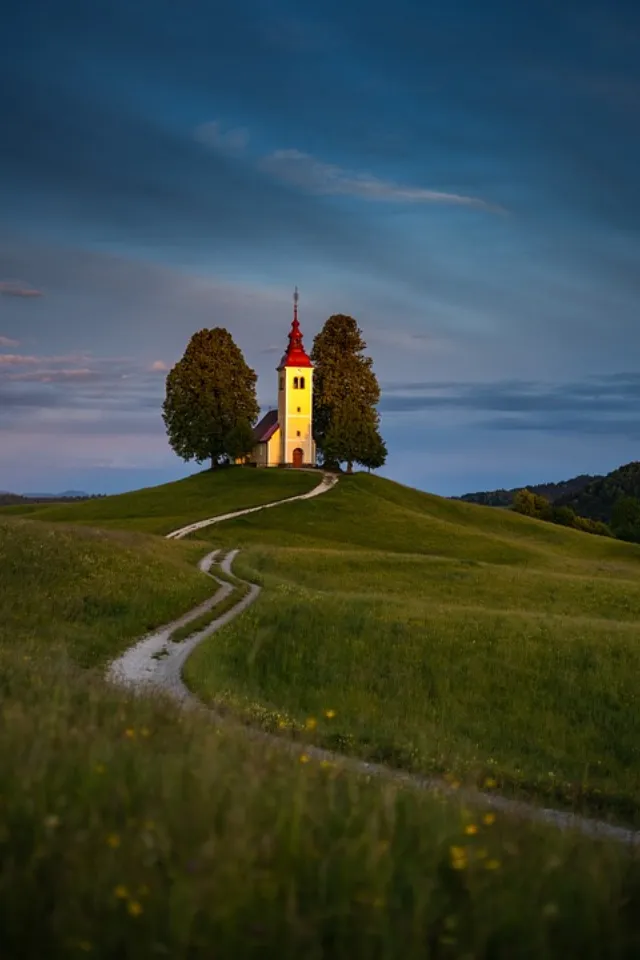
Landscape Wallpaper Upscaler: Enhance Photos to 4K
Use our wallpaper upscaler to enhance landscape wallpapers with sharper mountain ridges, clearer clouds, and finer textures. Upscale low-resolution wallpapers to 4K for crisp desktop backgrounds.
Upscale any desktop, phone, anime, game, or AI-generated wallpaper with our AI wallpaper upscaler. Enhance blurry wallpapers, sharpen details, and upscale wallpaper to 4K or 8K online.
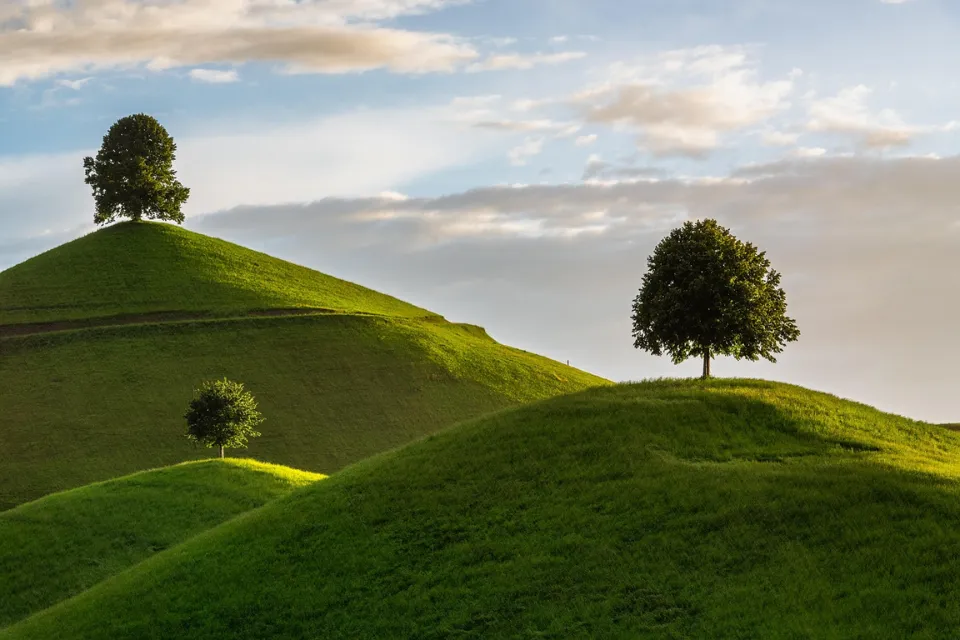














Use our wallpaper upscaler to enhance landscape wallpapers with sharper mountain ridges, clearer clouds, and finer textures. Upscale low-resolution wallpapers to 4K for crisp desktop backgrounds.
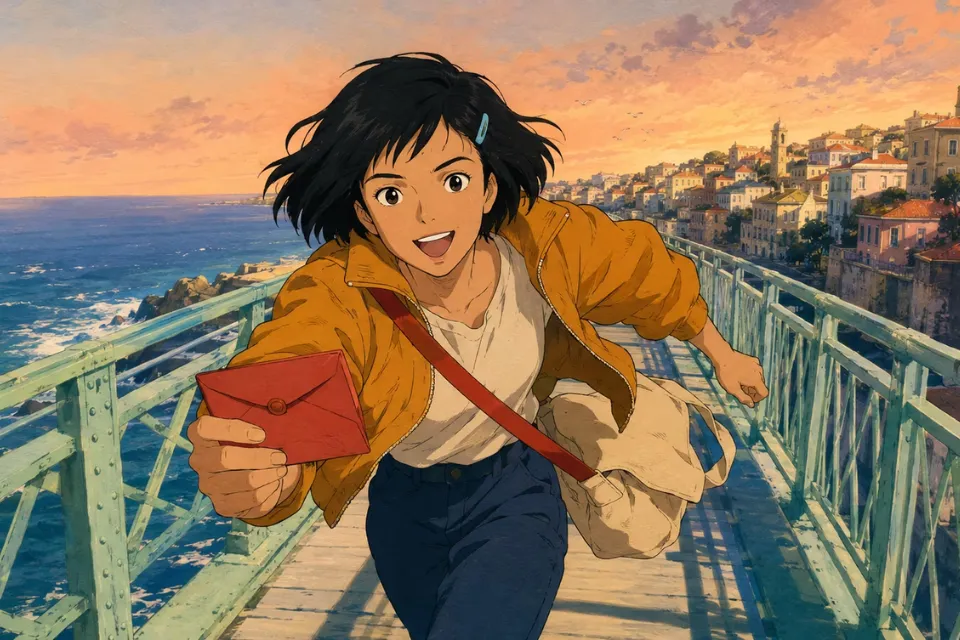
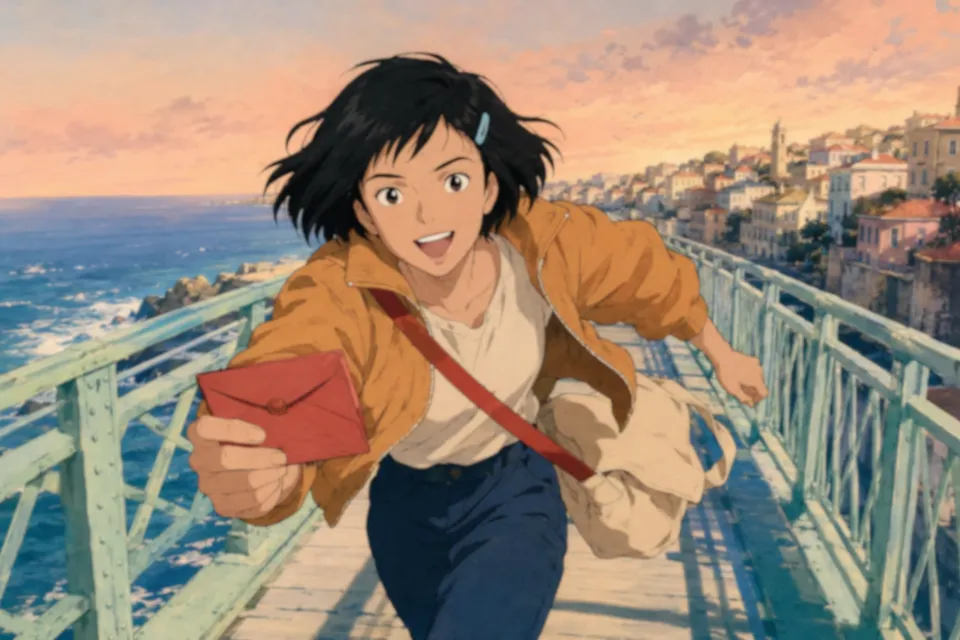
Use an AI anime wallpaper upscaler to improve blurry anime wallpapers, reduce JPEG artifacts, and sharpen line art. Preserve clean outlines, flat colors, and smooth gradients for high-quality anime backgrounds.
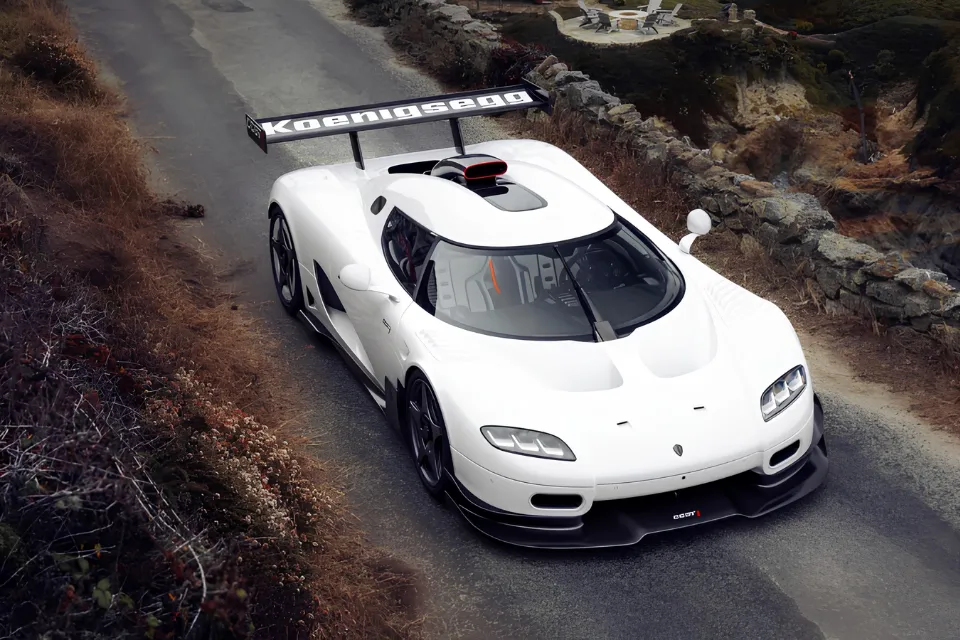
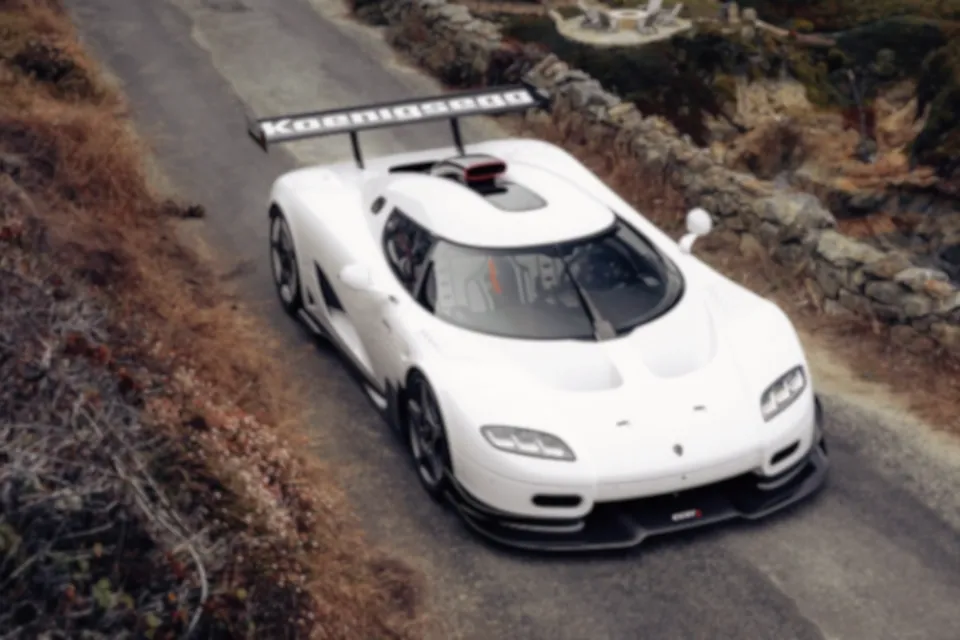
Upscale game wallpapers to 4K with improved edge clarity and texture detail. Enhance low-resolution game screenshots and compressed game art for sharper backgrounds on modern desktop monitors.
Enhance AI-generated wallpapers with an AI wallpaper upscaler that sharpens edges, refines textures, and improves fine details. Upscale AI art for clearer, high-resolution desktop and phone wallpapers.
Use our free wallpaper upscaler online to enhance JPG, PNG, WEBP, or HEIC wallpapers without signing up. Upscale wallpaper to 4K with full-resolution downloads and no watermarks, making it easy to improve blurry wallpapers in seconds.
A good wallpaper should look sharp on every display. Our AI wallpaper upscaler enhances edge clarity, reduces visible noise, and improves gradients for desktop, laptop, and phone wallpapers. Upscale low-resolution wallpaper images for clearer details on high-resolution screens.
Improve blurry wallpapers affected by JPEG compression, pixelation, ringing, and color banding. Unlike basic image resizing, our wallpaper enhancer helps restore fine details and smooth gradients while upscaling wallpapers to higher resolutions.
Prepare wallpapers for desktop monitors, ultrawide displays, and phone screens. Our wallpaper upscaler helps improve image quality while maintaining the original composition. Choose the right aspect ratio and crop for your screen to avoid stretched images or cut-off subjects.
Use an AI wallpaper upscaler to sharpen anime wallpaper line art, improve game wallpaper textures, and refine AI-generated wallpaper details. Enhance low-resolution illustrations and gaming backgrounds while preserving clean outlines, color transitions, and distinctive art styles.
Upscale your wallpapers online while protecting your personal images. Uploaded wallpaper files are processed securely and are not shared with third parties or used for AI training.
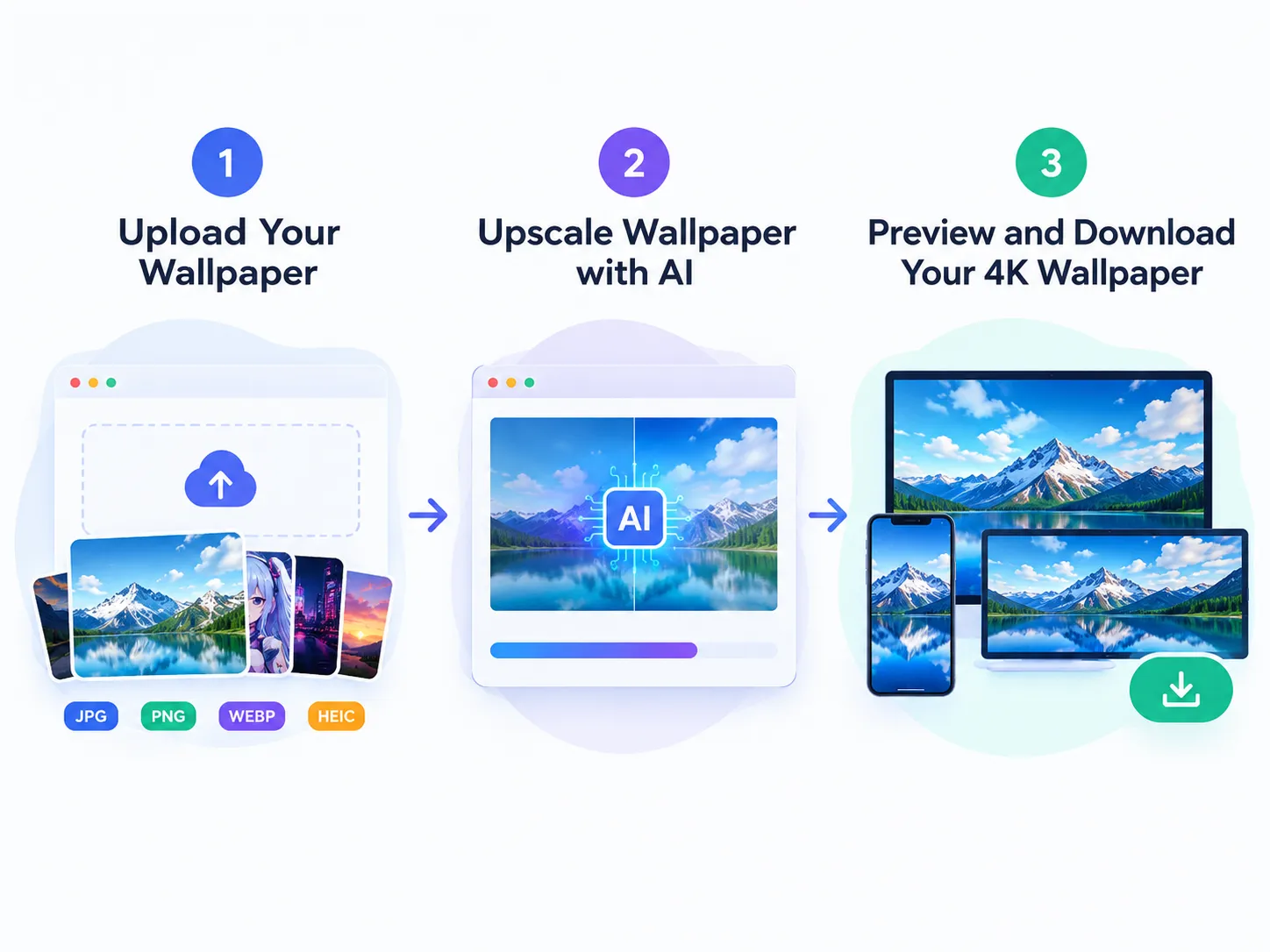
Open our free AI wallpaper upscaler online and upload a JPG, PNG, WEBP, or HEIC image. Start with a blurry wallpaper, low-resolution desktop background, phone wallpaper, or anime wallpaper to improve its quality.
Our AI wallpaper upscaler enhances image quality, sharpens edges, and reduces compression artifacts. Upscale wallpaper to 4K or higher, improving details in landscape photos, anime illustrations, game wallpapers, and AI-generated backgrounds.
Compare your original and upscaled wallpaper to see improvements in clarity, texture, and fine details. Download your enhanced wallpaper for desktop, ultrawide monitors, or phone screens.
Use our AI wallpaper upscaler to enhance wallpapers for 16:9 desktops, 21:9 ultrawide monitors, and phone screens. Improve landscape photos, anime illustrations, game art, and AI-generated wallpapers while sharpening details and preserving their original style.
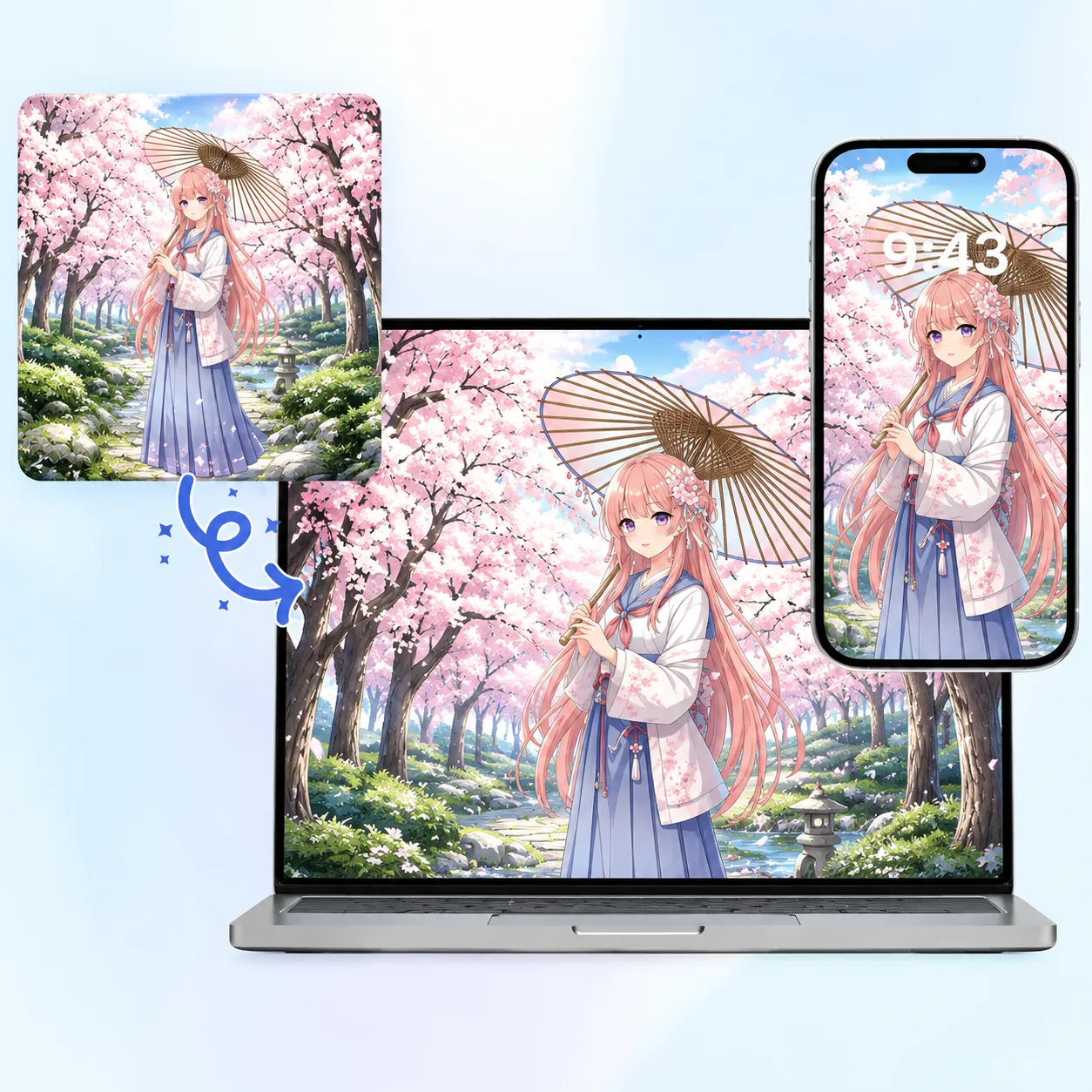
Turn blurry, compressed, or low-resolution images into sharper wallpapers with our online wallpaper upscaler. Improve fine details, reduce compression artifacts, and upscale wallpaper to 4K for clearer desktop and phone backgrounds without manual editing.
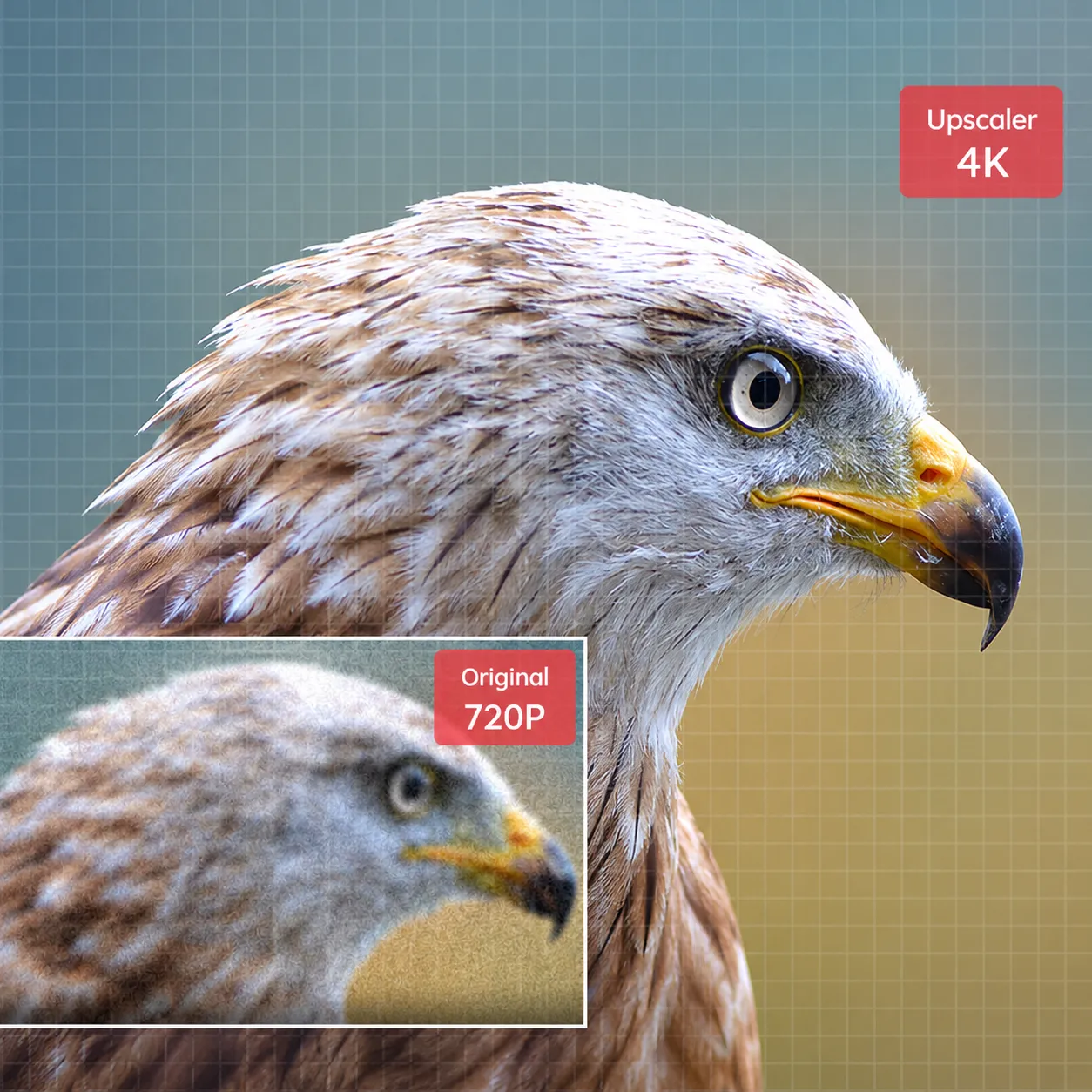
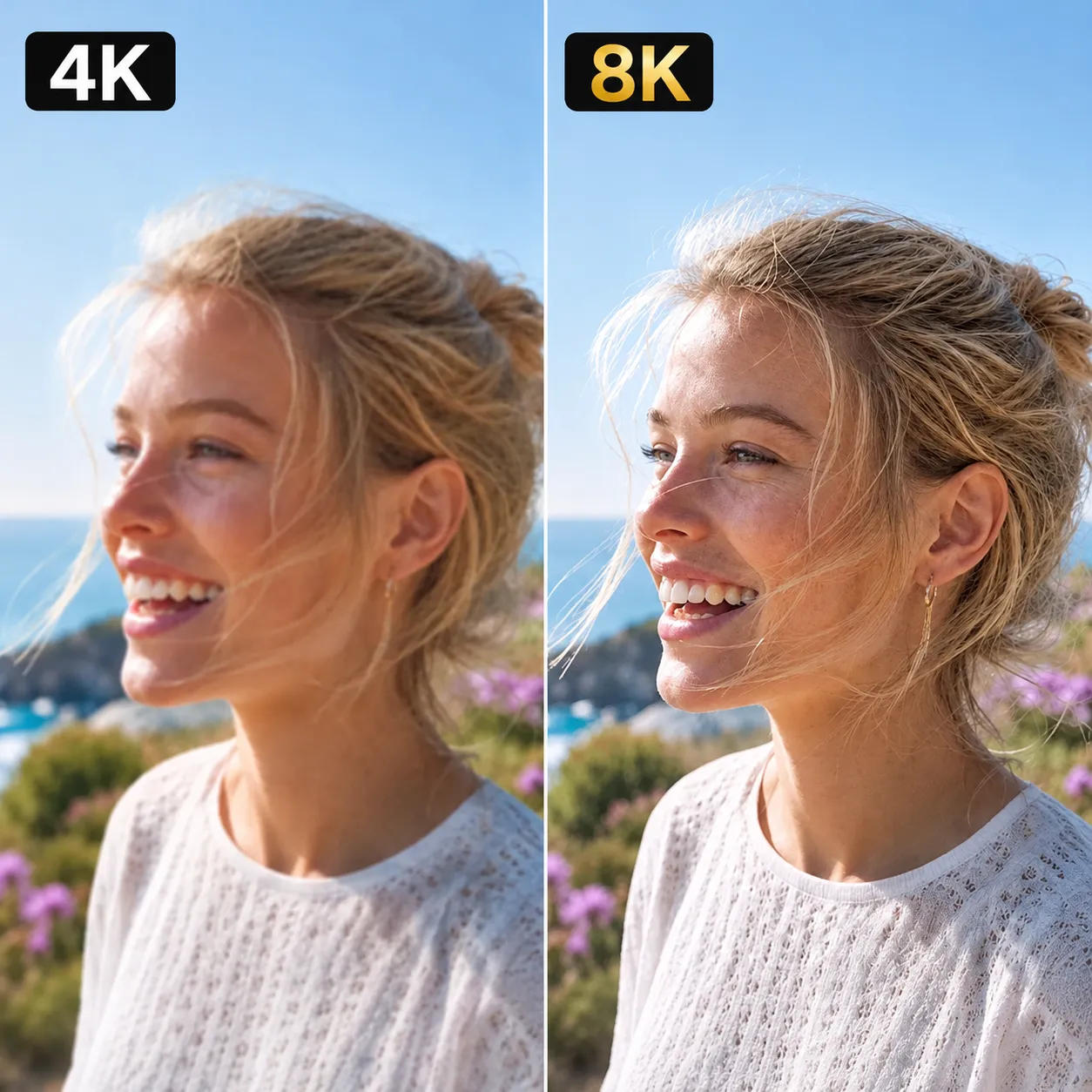
Upscale wallpaper to 4K or 8K with AI-powered image enhancement that improves edge clarity and restores visible details. Prepare high-resolution wallpapers for large monitors and high-pixel-density displays while maintaining natural textures and smooth gradients.

Sarah M.
Graphic Designer
Our AI wallpaper upscaler transformed my desktop background into a sharper 4K wallpaper. Fine textures look clearer, gradients appear smoother, and my ultrawide monitor displays the artwork beautifully.

James T.
Anime Fan
I used an anime wallpaper upscaler to turn an old 720p anime wallpaper into 4K. The line art stayed crisp, and the sky looked smoother with fewer compression artifacts.

Elena K.
Mobile Photographer
My phone screen needs high-resolution wallpapers to look sharp. This wallpaper upscaler improved my favorite photo and helped me prepare a clearer phone wallpaper that fits my screen perfectly.

Michael R.
Gamer
I used this AI wallpaper upscaler to upscale a 1080p game screenshot for my 4K monitor. The textures looked sharper, compression noise was reduced, and the original game's lighting and atmosphere remained intact.

Aisha P.
Content Creator
I create wallpapers with AI tools and use this AI wallpaper upscaler to enhance AI-generated wallpapers. Upscaling to 4K or 8K helps bring out more details for desktop backgrounds and ultrawide screens.

David L.
Casual User
I wanted to fix a blurry travel photo and use it as my desktop wallpaper. This free wallpaper upscaler made it easy to improve image clarity and create a sharper background in just a few steps.
Yes, you can use our free AI wallpaper upscaler to enhance wallpaper resolution online. Upload your image to upscale wallpaper to 4K, improve clarity, and sharpen details. Check the available free usage limits and download options before processing.
Choose a wallpaper resolution that matches your monitor, such as 1920×1080 for Full HD, 2560×1440 for QHD, or 3840×2160 for 4K. Using a wallpaper upscaler to increase image resolution can help low-resolution desktop wallpapers look sharper on high-resolution displays.
Yes, an AI wallpaper upscaler can improve portrait wallpapers for smartphones. Upload a phone wallpaper to enhance image quality and prepare it for high-resolution displays. Choose the correct aspect ratio and crop to avoid stretching or cutting off important details.
Yes, an AI anime wallpaper upscaler can sharpen line art, improve fine details, and reduce compression artifacts. Upscale anime wallpapers to 4K for clearer character illustrations, smoother gradients, and sharper desktop or phone backgrounds while preserving the original art style.
An AI wallpaper upscaler can reconstruct plausible details and improve perceived sharpness in low-resolution images. However, AI-generated details are estimates rather than original information. For the best results, start with the highest-resolution wallpaper source available before upscaling to 4K or 8K.
Yes, you can use a game wallpaper upscaler to enhance low-resolution screenshots and gaming backgrounds. AI upscaling can improve edge clarity, reduce compression artifacts, and refine textures, helping older game wallpapers look sharper on modern 4K monitors and TVs.
Before using an online wallpaper upscaler, review its privacy policy and image retention practices. Avoid uploading sensitive images unless you understand how your files are processed, stored, and protected.
Yes, an AI wallpaper upscaler can enhance AI-generated wallpapers for high-resolution displays. Upscale AI art to 4K or 8K to improve edge definition, textures, and fine details while maintaining the original visual style as closely as possible.
Turn your favorite blurry, compressed, or low-resolution wallpapers into sharp 4K backgrounds for desktop and phone. Upload your image, let AI enhance it in seconds, and download the result - free, no watermarks, no limits.